MOBILE APP UX/UI
Many
Kudos.Occasion planner
& greeting app design.
From choosing a date to finding the words. A mobile experience connecting occasions, recipient context and personal messages.
Explore all 7 views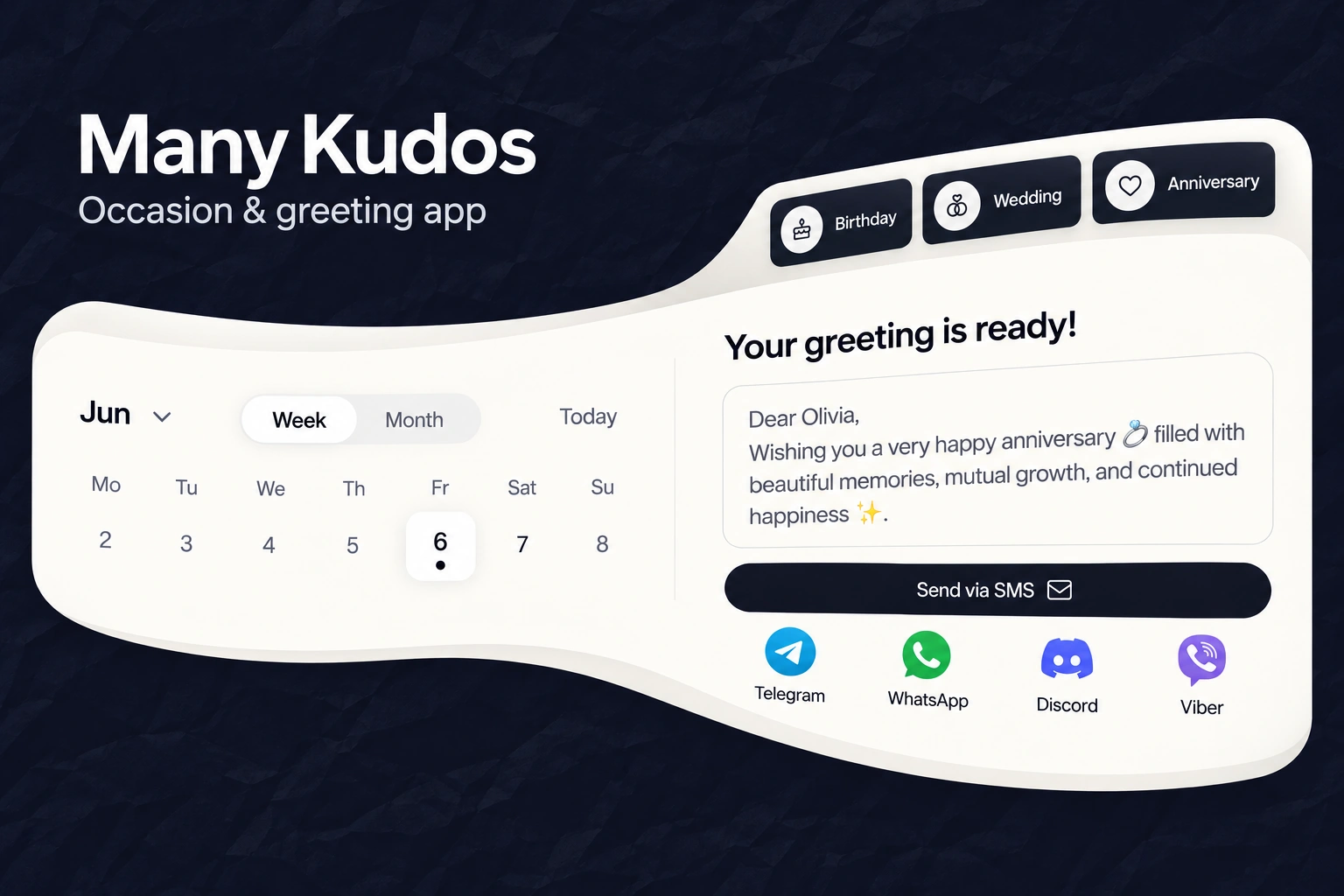
- Our scope
- Mobile app UX/UI
Planning & personalisation flows - The experience
- Calendar · occasions · recipient context
Greeting review · sharing interfaces - Project contact
- Olga Bezkrovna
01 / CALENDAR & REMINDER UX/UI
A wider view.
The same next occasion.
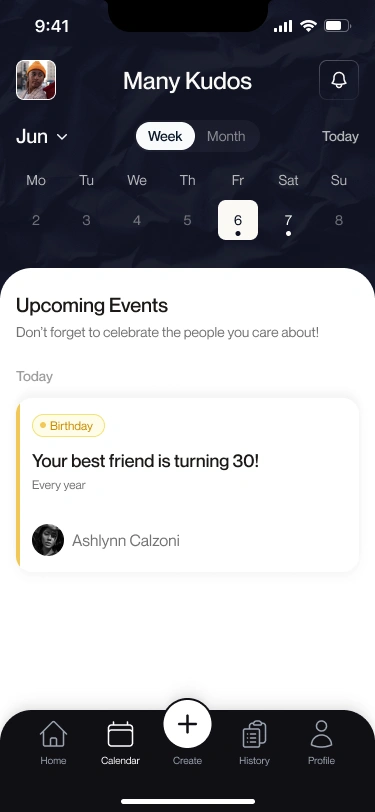
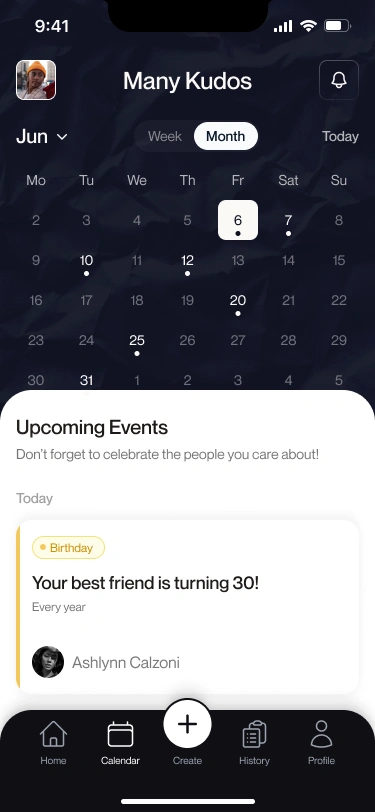
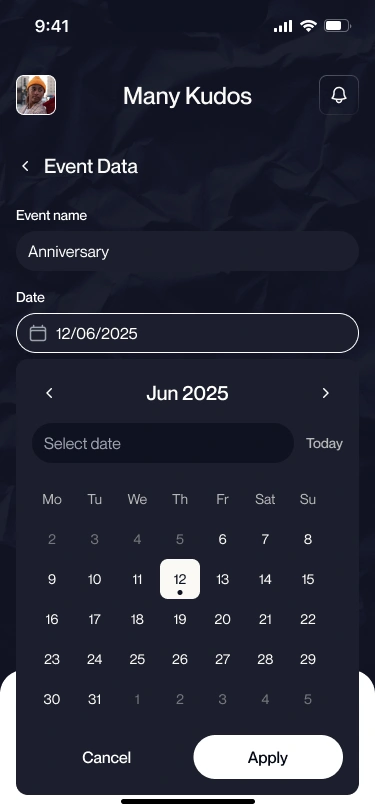
The calendar switches between a focused week and a full month without moving the event context to another page. A selected date, small event indicators and a Today control establish where the person is looking.
Upcoming occasions sit on a separate warm-white surface. The event card brings its type, description, recurrence and recipient together, while the bottom navigation keeps calendar planning distinct from creating and reviewing greetings.
02 / PERSONALISATION & GREETING REVIEW
Context before
the words.
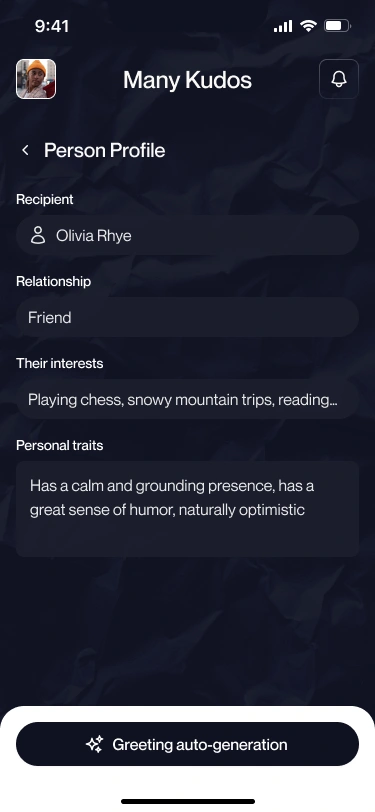
The recipient profile collects the relationship, interests and personal traits before the greeting-generation action. The message then gets its own review area, separate from the planning controls.
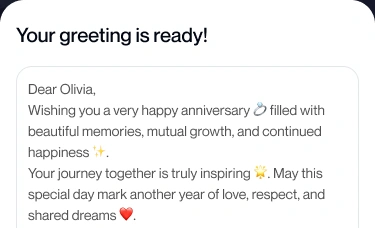
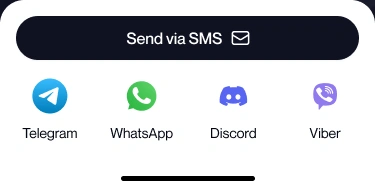
The sharing tray presents the available channels as a separate decision. The dark primary action and labelled app icons keep the choices visually distinct from the message itself.
03 / OCCASION DISCOVERY
Start with
the occasion.
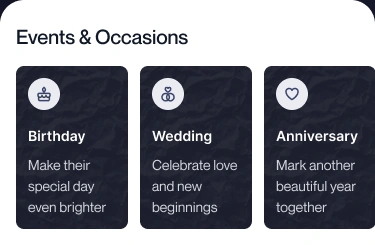
Birthday, wedding and anniversary categories pair simple symbols with a short explanation. The same dark texture carries through the tiles and the app’s planning areas, while warm-white surfaces frame the content.
Pill-shaped selected states, rounded panels and restrained accent colours connect discovery, calendar selection and recipient details without making every view look identical.
EXPLORE THE DESIGN
Dates, context and personal messages.
Seven mobile views and interface details across weekly and monthly planning, date selection, recipient context, occasion categories, greeting review and sharing. Open any view for a closer look.
Week view — a selected day, event indicators and one upcoming occasion
Choose a preview or use the arrows. Open a screen for the complete layout.
MOBILE APPS & PERSONALISED EXPERIENCES
A personal product.
A clearer journey.
Designing an app around planning, people or personal content? Tell us what the experience needs to connect. We’ll suggest a scope and estimate.
Get a project estimateView the design in Figma